Will the game detect the macro?Practical Basketball Macro sends standard keyboard input just like your hands would. It doesn't modify the game or inject code. Whether it triggers any detection depends on the game's own rules—you should check those yourself before using it.
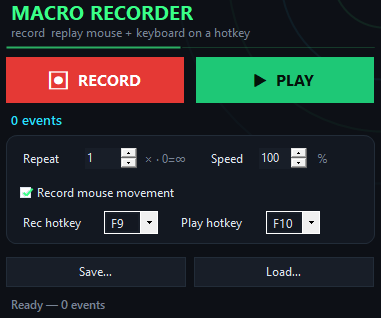
Can I change the hotkey?Yes. Open the app settings and assign any key you want. You can switch it anytime without reinstalling.
Does it work on Windows only?Yes, Practical Basketball Macro is built for Windows PCs. Mac and Linux versions are not available.
What if I want a different release timing?The macro is optimized for the green window itself. If you need to adjust when it fires, check the app settings for timing options.
Can I use it in online multiplayer?The macro works in any game window on your PC. The game's own rules determine what's allowed—you decide if it fits within your game's guidelines.
How much does it cost?Practical Basketball Macro is completely free. Download it, use it, no subscriptions or hidden fees.
What if the hotkey doesn't work?Make sure the game window is active and focused. The macro only listens when the game is in the foreground. Try reassigning your hotkey in the settings if it still doesn't respond.